Your calendar is already doing half the work
Connect Google Calendar or your phone's calendar, and Elderella pulls in care events automatically.
You'll always know what's coming without adding more to your plate.
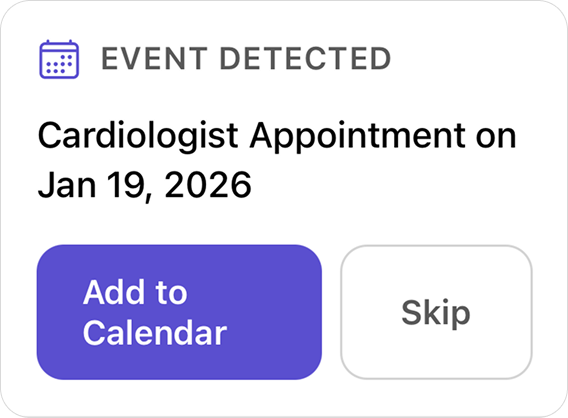
Care events, caught automatically
When anyone on your care team mentions an appointment or visit, Elderella recognizes the event, flags it for your review, and adds it to the care calendar. No one has to stop and write down a calendar entry — Elderella handles that part.
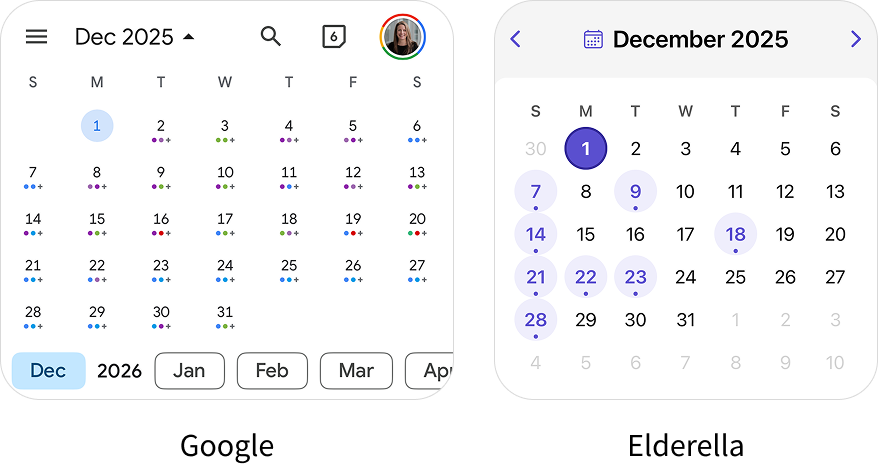
Your personal life stays yours
Elderella only pulls in events whose titles mention your elder by name or relationship — mom, dad, mother, father. Your dinner plans, work meetings, and personal appointments stay private, so nobody sees them but you.
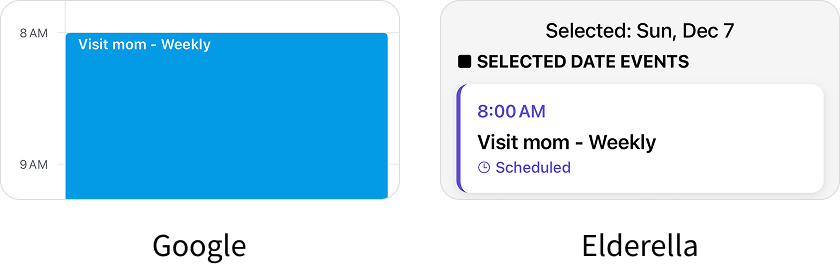
Add it once, see it everywhere
Create a care event in Elderella and it shows up on whichever calendar you've connected — Google or your phone. Update an event there and Elderella picks up the change, with no entering things twice.
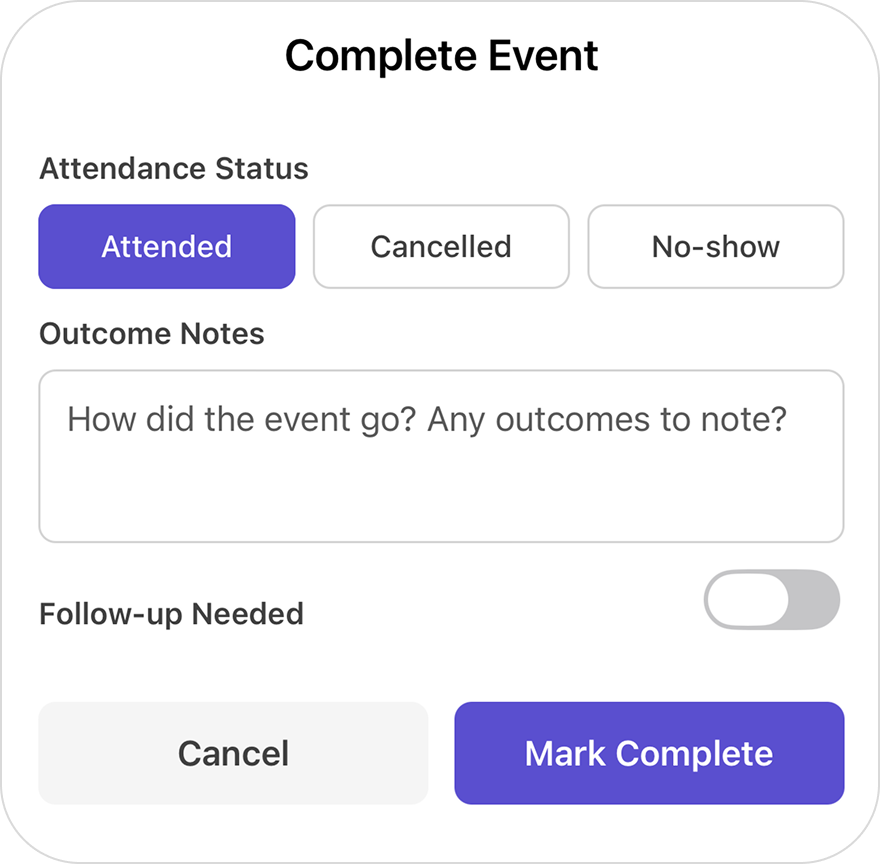
Capture what matters
After a care appointment ends, Ella prompts you so you can jot down notes, medication changes, or next steps while they're fresh. No more trying to remember what the doctor said three days later.
“It would be nice to have one place where the whole family could log in and go, all right, this week, who's doing what?”
Start seeing the full picture

Connect
your calendar
From the Elderella home screen:
- Tap the 3 dots in the top right corner
- Tap “Settings”
- Choose “Google Calendar” or “Phone Calendar”
- Follow the prompts to sign in or allow access

Watch care
events appear
Elderella finds events related to your elder using their name or relationship to you. Personal events stay private.

Elderella does
the rest
Elderella keeps everything connected as you and your care team add or update events. We'll prompt for notes after each event in case there's something new to add to the care memory.
Pro tip:
Upcoming appointment? Tell Ella the details in a quick chat and she'll add the event to the care calendar and share it with your care team.
Questions?

Ready for help?
Get startedTrust & security
Caring for an elder involves some of the most personal details in a family’s life. See how Elderella keeps your data private, secure, and within your control.
Trust & Security