Siri, widgets and pins
One tap or one sentence away.
Ask Siri to add a note or read today’s schedule. Pin what you check most, and put it on your phone’s home screen.
Get started free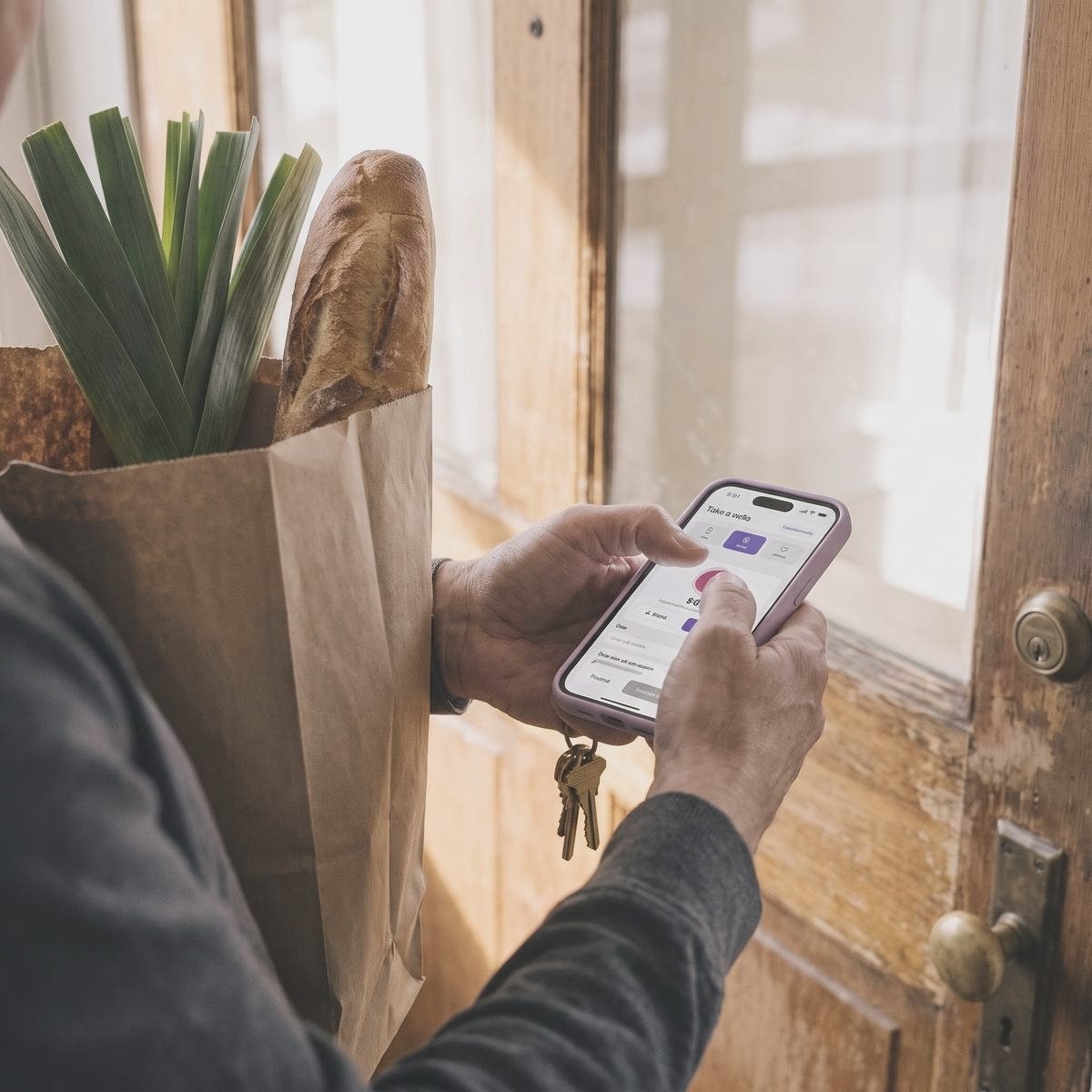

One week of shortcuts
Monday, hands full
“Hey Siri, add a note in Elderella”
Settings shows what you can ask Siri: add a note, or hear what’s on today. Then just say it, without opening the app.
Tuesday
Pin what you reach for most
Pin a section or a single item to the top of Mom’s page in Elderella, up to three. The same pins can go on a widget on your phone.
Every day after
One tap from the top
Your pins sit at the top of Mom’s page, one tap from what you check most.
What’s included
Siri
Notes, tasks and today’s schedule by voice.
Pins
Up to three, one tap away.
Home screen widget
A note button and your pins.
Quick note
Control Center, the Lock Screen or the Action Button.
Android widget
Start a text, voice or photo note.
Shortcuts app
Rename a phrase to suit you.
What’s on each plan
Shortcuts are the same on every plan, Free too.
- Siri, widgets and pins
- Quick note shortcuts on iPhone and Android