Every letter and form, read and filed.
Photograph a letter, upload a file or forward an email to your family member’s own Ella address. Ella reads it and pulls out what needs doing.
Get started free
One week after Mom’s hospital visit
One photo of the discharge letter
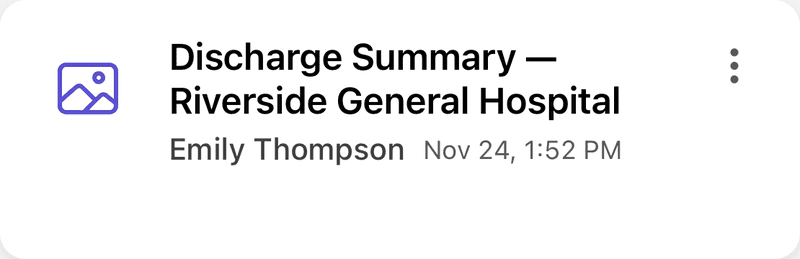
You photograph the letter at the kitchen table. Ella reads it and gives it a title you’ll recognize later: Discharge Summary, Riverside General Hospital.
What the letter says, ready to confirm
The new vitamin, the physiotherapy appointment, the follow-up with Dr. Chen: each one waits as a card, marked as coming from the document. Nothing goes in until you add it.
“It keeps me organized and helps ensure I don’t miss anything …”
Forward it, or connect Gmail
Mom has her own Ella email address in Elderella, shown on Ella’s contact card. Forward the clinic’s email there, or connect Gmail and Ella brings care emails in for you.
What’s included
Scan by photo
Up to 10 pages in one document.
Upload files
PDFs, Word files and images.
Details picked out
Medications, appointments and tasks become cards to confirm.
Email forwarding
Each family member has their own Ella address.
Gmail and Google Drive
Connect them and Ella brings care information in.
Private by default
Only primary caregivers can open stored documents.
What’s on each plan
Free
- Documents, uploads and email forwarding
- Gmail and Google Drive connections
- Ella reads every document
Plus
- Everything on Free
- When you ask Ella about a document, she looks back over the full history, not only the last 90 days