Who’s doing what, settled.
Add a task, give it to someone on the care team and set a reminder. Everyone sees what’s still waiting, and a finished job leaves everyone’s list.
Get started free
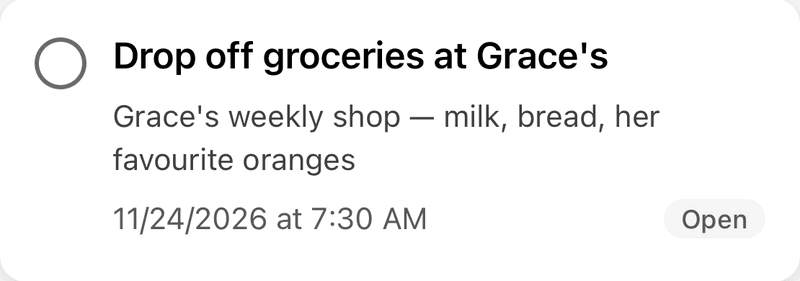
One week of errands
Done, and everyone knows
You drop off her reading glasses and tick it off on the home screen. The family sees it’s handled, so nobody makes a second trip.
Every task in one list
The Tasks screen shows everything open, with due dates and priority. Filter to one person to see just their list.
“This has been great in managing my mom’s to dos and keeping us all in the loop on her and my dads meds!”
Add one in seconds
Type what needs doing and save. Give it to someone, set it to repeat, or just tell Ella and she adds it for you.
What’s included
Shared tasks
The whole care team sees them.
Assign to anyone
They’re told, and reminded if it’s late.
Reminders
Before it’s due, and when it’s overdue.
Repeating tasks
Up to six times a day.
Tell Ella
“I need to pick up Mom’s prescription.”
One person’s list
Filter to just their tasks.
What’s on each plan
Free
- Shared tasks, assignments and reminders
- Repeating tasks
- Up to 3 people with access on the care team
Plus
- Everything on Free
- Up to 10 people with access on the care team
- When you ask Ella about the care, she looks back over the full history