Who would you like to check in on today?
Open Elderella and everything you need is waiting. What’s next, what’s changed, and who needs your attention.
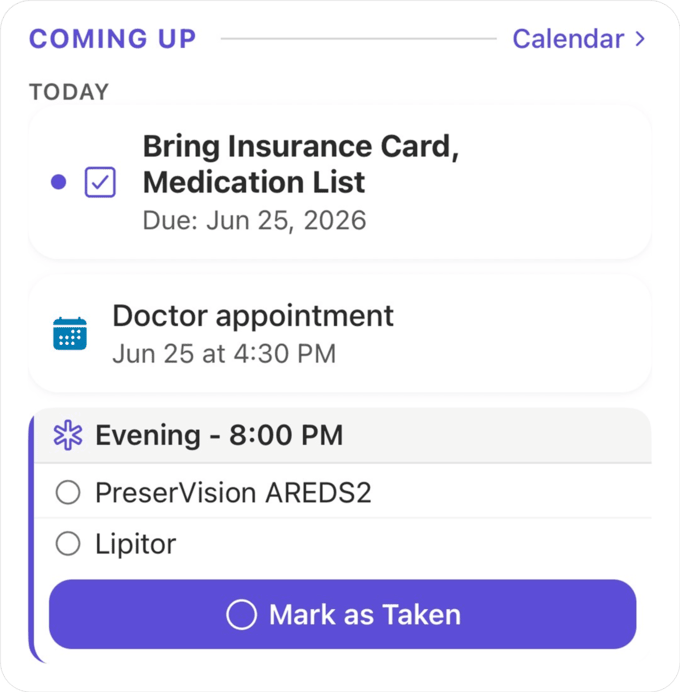
See what needs you first
The “Coming up” section shows the most pressing tasks and closest events at a glance, or an all-clear when nothing’s urgent. No more wondering what you’re forgetting.
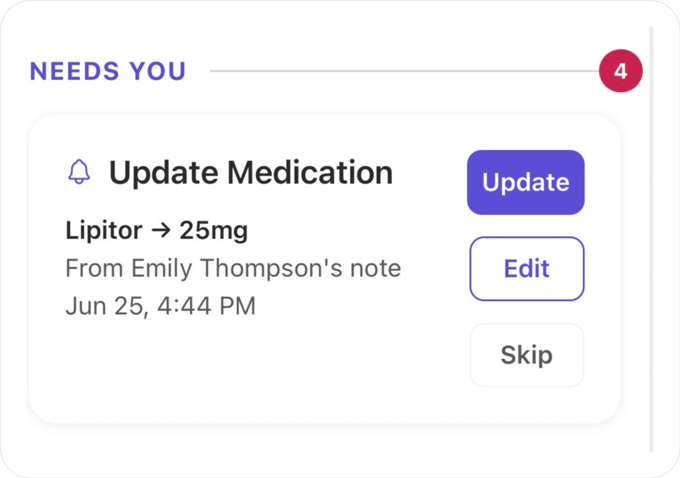
Nothing slips through without you
When Ella finds a task, event, medication, or care team member in your notes or chats, she flags it under “Needs you.” You decide what gets added to your elder’s profile and care story.
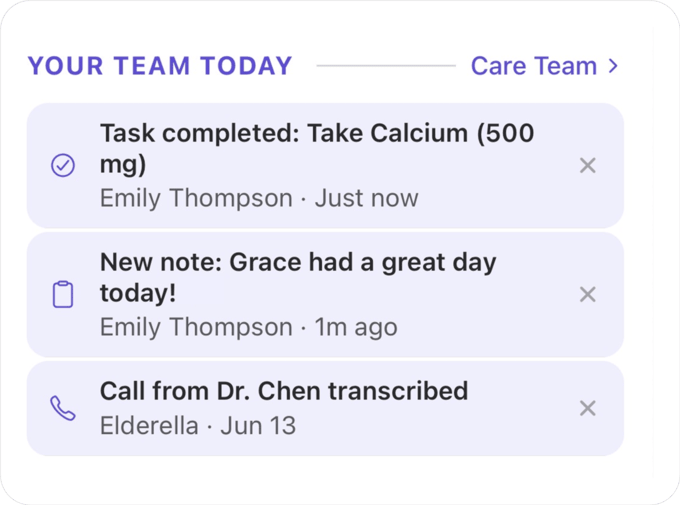
Your whole care team, caught up
“Your team today” shows everything your team has done since you last checked in. New notes, completed tasks, upcoming events. No group texts, no phone calls, no “did anyone handle that?”
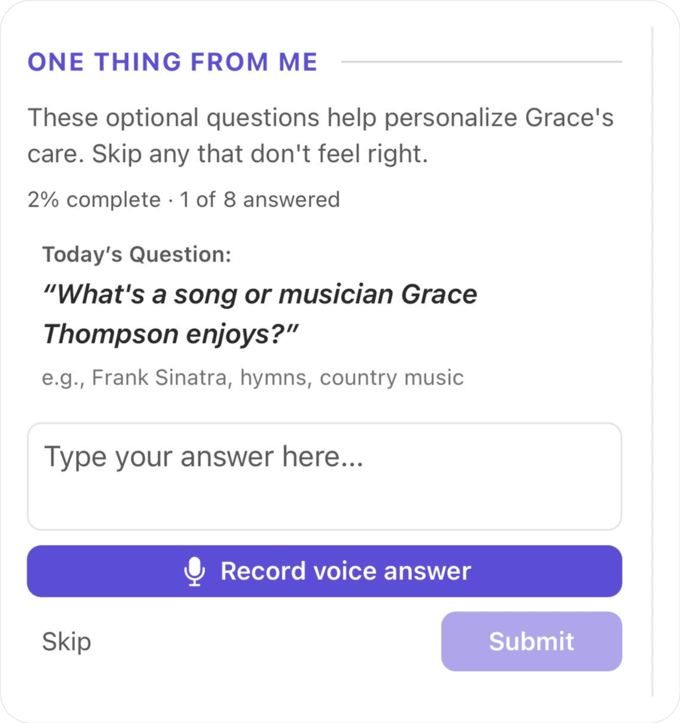
One question a day builds the whole picture
Ella asks one question about your elder when you open Elderella each day. Your answers build a profile of their preferences, history, and routines that you can share with your care team.

Chat, capture, or dig deeper in one tap
Three tiles sit at the bottom of every elder’s home screen: Chat with Ella, Take a Note, and More. Whatever you need, you’re one tap away.
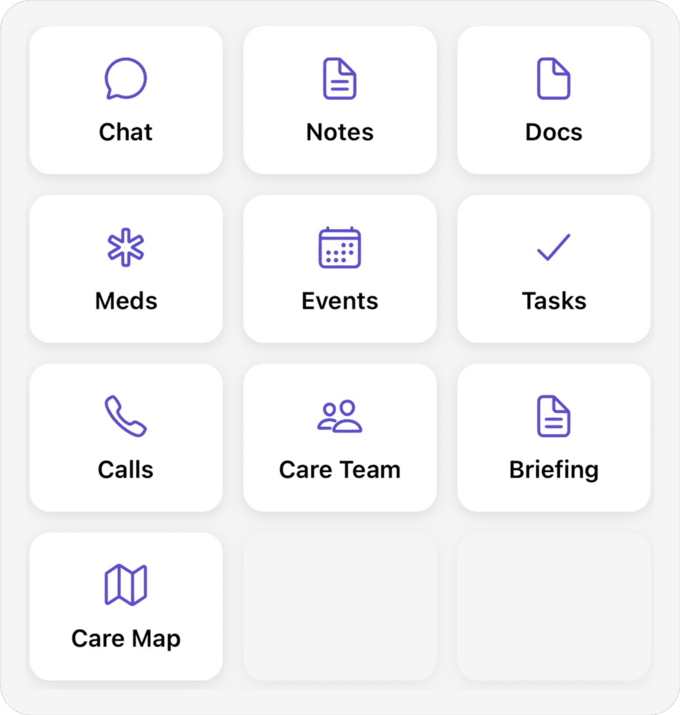
All your elder’s care, in one place
Tap More and you’ll find Meds, Notes, Docs, and Briefings. Everything Ella knows about your elder, organized and ready. Nothing buried, nothing scattered, nothing lost.
“I open Elderella with my morning coffee now. Thirty seconds and I know exactly where things stand. What’s coming up, what my sister handled yesterday, and whether anything needs my attention.”
Try it right now

Open
Elderella
Tap the Elderella icon on your phone. Your home screen shows who you’re caring for and how their profile is coming along.

Check
Coming up
Tap into an elder’s profile and scroll to the “Coming up” section. You’ll see your most pressing tasks and any upcoming events.

Check
Your team today
Scroll to “Your team today” to see what your team has done since you last checked in. Notes added, tasks completed, and events handled.
Pro tip:
Make Elderella part of your morning coffee. Open it once a day and you’ll never wonder what you missed or who’s handling what.
Questions?

Ready for help?
Get startedTrust & security
Caring for an elder involves some of the most personal details in a family’s life. See how Elderella keeps your data private, secure, and within your control.
Trust & Security